
Best 8 Exercise Logging Apps in 2026: Your Ultimate Comparison Guide
By Apps We Recommend
Introduction
Home Workout Timer & Tracker is our favorite exercise logging app: a simple timer that puts you in control of every interval. This list also covers seven other solid picks, from gym-focused progression trackers to social lift logs, so you can find the right fit for your training style.
Quick comparison table
| App | Platform | Best For | Free Version |
|---|---|---|---|
| Home Workout Timer & Tracker | iOS | Custom interval timer for any workout structure | Free |
| Strong Workout Tracker Gym Log | iOS / Android | Clean progression charts and plate calculator | Freemium |
| Hevy - Workout Tracker & Gym Log | iOS / Android | Lifters who want a social feed alongside logging | Freemium |
| FitNotes - Gym Workout Log | Android | Ad-free digital logbook with calendar view | Free |
| Jefit Workout Planner Gym Log | iOS / Android | Structured training plans and community programs | Freemium |
| GymRun Workout Log & Fitness | Android | Smartwatch users and tinkerers | Paid (one-time) |
| RepCount Workout Tracker | iOS / Android | Fast, paper-like logbook replacement | Freemium |
| Gravitus - Workout Tracker | iOS | Weightlifters who enjoy friendly leaderboards | Freemium |
1. Home Workout Timer & Tracker
Best for: anyone who wants a fully customizable interval timer that fits any workout structure.
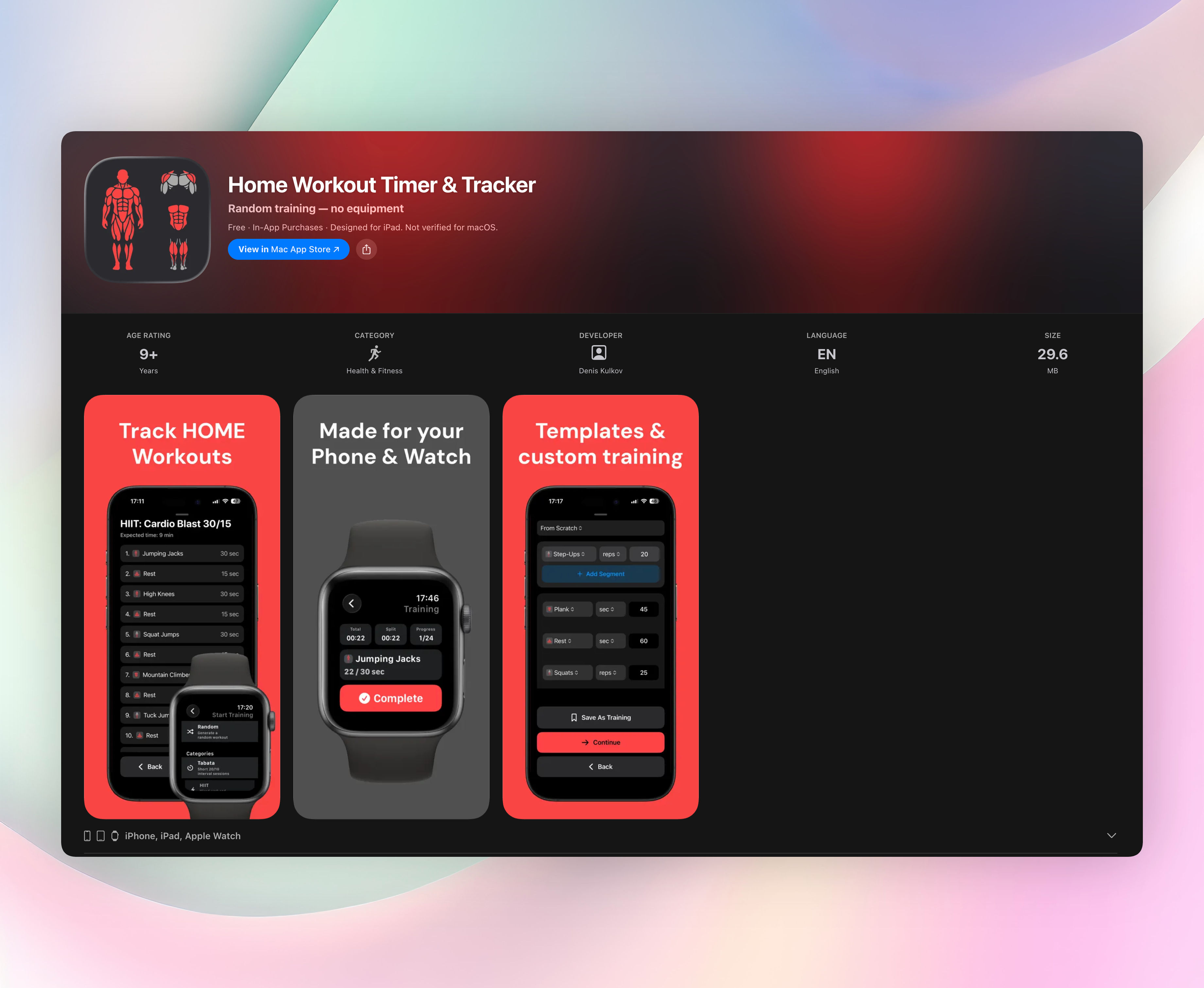
You set work/rest intervals, rounds, and custom exercise names exactly how you train. There are no pre-loaded templates pushing you into a generic plan. It works offline, needs no account, and never hides features behind a subscription. Audio cues call out exercise names aloud, so you never glance at the screen mid-set.
The app pairs easily with a pen-and-paper log or your mental notes, staying out of your way the whole session. Whether you run Tabatas, supersets, EMOMs, or a DIY bodyweight circuit, it handles the timing while you handle the work.
- Audio cues announce exercise names, so you don’t need to watch the screen
- Templates for Tabata, HIIT, Strength, Bodyweight, and Core
- Build custom sessions with meters, reps, or seconds
- Works fully offline, no account required
- Never pushes upgrades: all features are included free
Get Home Workout Timer & Tracker
2. Strong Workout Tracker Gym Log
Best for: gym-lifters who want clean progression charts and minimal fuss.
Strong logs sets, reps, and weights quickly, then dishes up clear graphs so you can see how your squat or bench has moved over time. The integrated plate calculator and auto-calculated one-rep max save you math between sets, while automatic rest timers keep your session rolling. Its big exercise database covers everything from barbell compounds to machine and dumbbell variations. The interface stays simple: a few taps per set and you’re back under the bar.
3. Hevy - Workout Tracker & Gym Log
Best for: lifters who want a social feed alongside their workout log.
Hevy mixes robust set-and-rep tracking with a community feature set that lets you follow friends, share completed workouts, and give kudos. It still provides solid exercise analytics and progressive overload tracking, so you don’t sacrifice data for the social side. The feed shows your crew’s sessions, turning logging into something that feels more connected. It’s a natural pick if you’d rather train with a little friendly accountability.
4. FitNotes - Gym Workout Log
Best for: Android users who want an ad-free, no-nonsense digital logbook.
The interface is minimalist to a fault: tap to log a set, swipe to see history, and check the built-in calendar to review past sessions. It never tries to sell you a premium tier: there are no ads and no feature gates. Local backup options keep your data safe without any account nonsense. For lifters who just want an electronic version of a notebook with zero clutter, FitNotes hits the mark.
5. Jefit Workout Planner Gym Log
Best for: lifters who want structured training plans with detailed analytics.
Jefit packs a massive exercise database with animations and lets you follow or create programs from scratch. The stats panel shows training volume, rep maxes, and body measurements over time. Thousands of community-rated workout plans mean you can pick a ready-made routine and start logging immediately. It’s the closest thing to having a personal trainer’s programming inside a mobile app.
6. GymRun Workout Log & Fitness
Best for: smartwatch users and tinkerers who need deep customization.
GymRun supports Wear OS and Tizen, so you log sets straight from your wrist without ever pulling out your phone. The full offline smartwatch mode records everything locally and syncs later, keeping gym sessions truly phone-free. Custom exercise creation, adjustable rest timers, and detailed stat breakdowns let you shape the app to your exact training style. It’s a one-time purchase, no subscriptions.
7. RepCount Workout Tracker
Best for: lifters who want a fast, paper-like logbook replacement.
RepCount strips away any fluff: you record sets, reps, and weights in seconds and move on. It automatically tracks personal records and estimates one-rep maxes without you doing a thing. The standout PR highlight board surfaces your all-time bests right on launch, giving you a quick confidence boost before a heavy set. If you miss scribbling in a notebook but want searchable history, this is your pick.
8. Gravitus - Workout Tracker
Best for: iOS weightlifters who enjoy friendly competition.
Gravitus turns logging into a challenge with leaderboard systems for squat, bench, and deadlift. You compare numbers with friends directly in the app, which adds motivation to push for a new PR. Beyond the social leaderboards, it covers standard set logging and personal-record tracking. The interface is clean and iOS-native, making it feel like a polished training partner rather than a bland spreadsheet.
How we picked these apps
We tested 25+ exercise logging apps focused on logging speed, flexibility, and a clutter-free experience. Priority went to apps that let you log any workout, not just canned gym routines, because the best log should adapt to you. We included simple timers, full gym trackers, and social options to match different preferences. Free-tier quality mattered; apps that forced a subscription before you could log a single workout got cut.
Frequently asked questions
Do I need a dedicated exercise logging app?
A logging app makes tracking progress effortless. Even a simple timer-log combo lets you spot trends, adjust rest, and stay motivated far better than a notepad or phone stopwatch.
Can I use these apps for bodyweight or home workouts?
Yes. Home Workout Timer & Tracker and Jefit let you create any exercise with zero equipment, and gym-focused apps allow custom movements like push-ups or lunges too.
Are free versions enough, or do I need to pay?
All picks have capable free tiers. Premium versions mostly unlock advanced stats, multi-device sync, or social features, and you can log effectively without spending a cent.
The verdict
Home Workout Timer & Tracker remains the top pick because it adapts to any routine, works offline, and never nags you to upgrade. It’s the most flexible timer-log combo on this list, whether you’re running a HIIT circuit or lifting heavy in the garage. If you need an exercise logging app that bends to your workout style instead of forcing a fixed template, this is the one. Try it as a simple, no-rules upgrade from your phone stopwatch.
Related reviews
Best 9 Workout Journals in 2026: Track Smarter, Lift Heavier
Compare the top 9 workout journal apps for iOS and Android in 2026. We evaluate Apple Watch sync, rest timers, and exercise databases to find your perfect log.
Best 8 Low Sodium Apps in 2026: Track Salt Smarter
Compare the best low sodium app options for 2026. We review 8 trackers by platform, watch support, barcode scanning, and sodium scoring rules.

Best 9 Training Log Apps in 2026: Track Smarter
Compare 9 training log app options for 2026. We review platform support, watch sync, scoring rules, and rest timers to find the best fit.