
Best 7 Workout Timers in 2026: Find Your Perfect Interval App
By Apps We Recommend
Home Workout Timer & Tracker is our favorite workout timer for anyone who wants simple, go-at-your-own-pace intervals without the clutter. We also picked the best dedicated HIIT, Tabata, and functional-fitness timers so you can match the tool to your training style.
Quick comparison
| App | Best for | Platform | Standout |
|---|---|---|---|
| Home Workout Timer & Tracker | No-fuss intervals & tracking | iOS | Custom voice prompts without subscription |
| Seconds Pro Interval Timer | Complex HIIT & circuits | iOS & Android | Color-coded display & flexible templates |
| Tabata Timer: Interval Timer | Pure Tabata & simple HIIT | iOS & Android | Clean, distraction-free setup |
| SmartWOD Timer | Functional-fitness WODs | iOS & Android | Large mid-WOD display with voice cues |
| Gymboss Interval Timer | Chained intervals for lifting & combat | iOS & Android | Stackable high/low interval blocks |
| Interval Timer: HIIT Workouts | Quick HIIT with music | iOS | Music integration & minimal configuration |
| Exercise Timer | Building named-exercise routines | iOS & Android | Workout log and progress tracking |
1. Home Workout Timer & Tracker
Best for: anyone who just wants to set work and rest intervals and start moving, with zero complexity.
Most workout timers try to do too much. This one strips away everything except the timer itself, so you focus on the exercise, not the screen. You set your intervals and cycles, tap start, and go. No accounts, no scrolling through workout libraries, no buried menus.
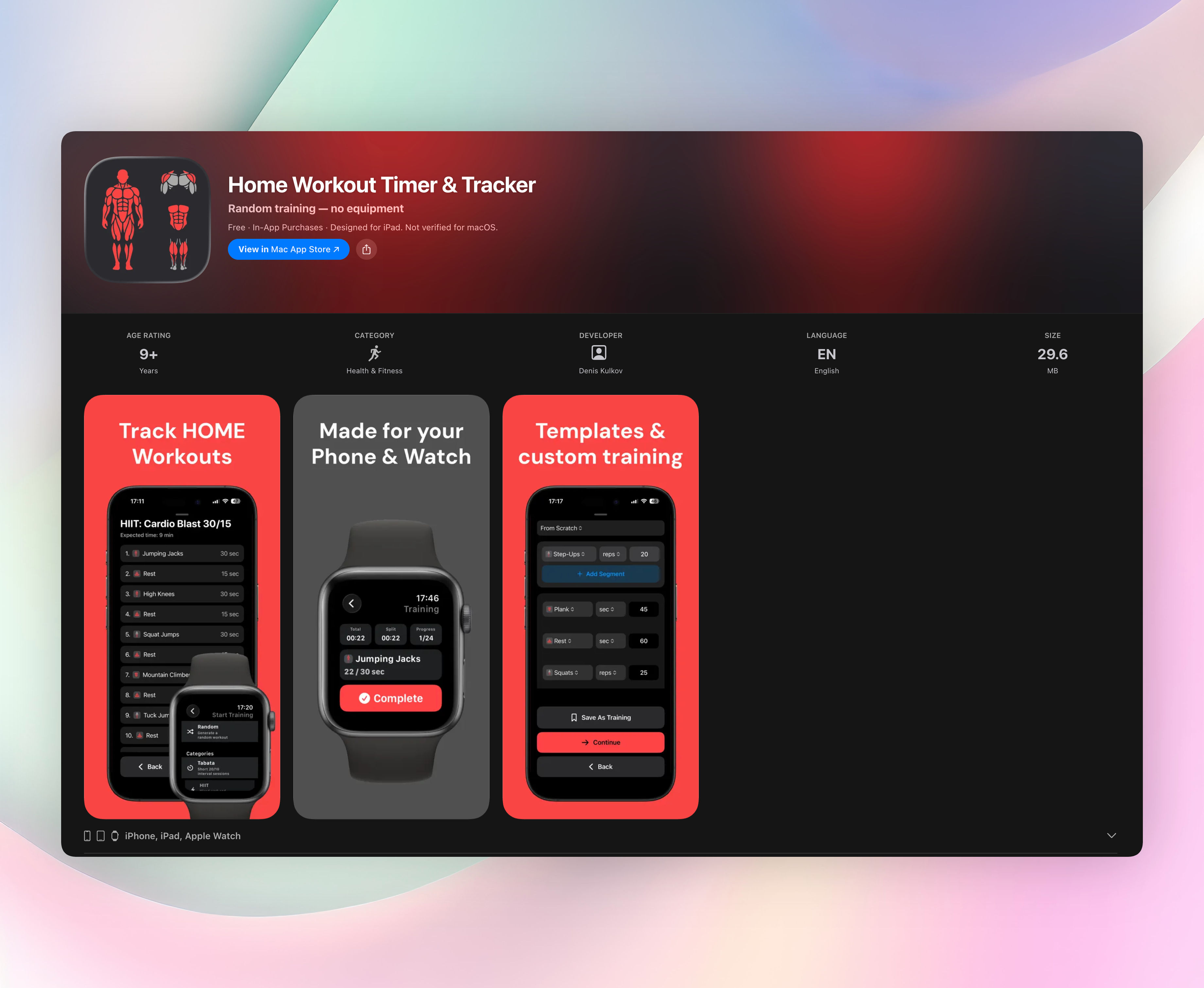
- Build custom sessions with exercises, reps, meters, or seconds. Reorder them however you like and save for later.
- Tap a prebuilt template for Tabata, HIIT, strength, bodyweight, or core and start instantly, no building required.
- Turn on live distance tracking for running segments with optional location services. It’s a nice bonus you rarely see in other timers.
- Custom voice prompts call out what’s next, and your workout history logs everything. None of it is locked behind a subscription.
It’s the only timer here where you can set it, forget it, and just train, without hitting a paywall for the essentials.
Get Home Workout Timer & Tracker
2. Seconds Pro Interval Timer
Best for: people who want a deeply customizable interval timer with clear audio and visual cues.
Seconds Pro gives you a big, color-coded display that’s easy to read when you’re moving. Text-to-speech calls out exercise names, rest periods, and upcoming intervals, so you rarely need to look at the screen. It handles complex HIIT and circuits without feeling cluttered. What makes it stand out is the template editor: you can build multi-block workouts, each with different interval patterns, save them, and reuse them. If your training demands intricate timing, this is the most flexible option.
3. Tabata Timer: Interval Timer
Best for: pure Tabata and interval-based HIIT where simplicity rules.
This app does pure Tabata—20 seconds on, 10 seconds off—with almost no setup. You can adjust work and rest times, pick your number of rounds, and hit start. It runs reliably in the background and uses beeps and vibrations to keep you on time. The interface is simple and distraction-free, purpose-built for Tabata. If all you need is a dependable Tabata countdown, it’s a solid choice.
4. SmartWOD Timer
Best for: functional-fitness athletes doing AMRAP, EMOM, and “For Time” workouts.
SmartWOD Timer keeps the display big and readable even when chalk is flying and sweat stings your eyes. Preset modes for common CrossFit-style formats are ready to go. Voice motivation kicks in at round and time milestones, and the layout is easy to read mid-workout. You won’t fumble between rounds. The cues help you push through the final reps without staring at the clock, just what you need during a tough metcon.
5. Gymboss Interval Timer
Best for: weightlifting, running, and combat-sport athletes who need layered interval sequences.
This app mimics the classic Gymboss physical timer. You can chain multiple timers with different high and low intervals into one flowing sequence. Stack intervals and repeats without resetting between blocks, useful for sport-specific drills or rest-pause lifting. It’s not flashy, but it manages complexity that basic timers can’t touch. Runners doing tempo intervals and fighters running round-and-break drills will like how one session can flow through several phases.
6. Interval Timer: HIIT Workouts
Best for: iOS users who want a stripped-down HIIT timer that plays nicely with music.
This app gets you from opening to your first interval in seconds. Set your high-intensity and rest periods, choose the number of sets, and go. It runs in the background and works with your music player, gently lowering music volume when audio cues fire so you never miss a transition. No workout builder or history to navigate. Just fast, no-fuss setup. Perfect when you know your workout and just need a timer that stays out of the way.
7. Exercise Timer
Best for: people who want to build full custom routines with named exercises, not just time blocks.
Exercise Timer goes beyond generic intervals. You can define specific exercises, set target reps or durations, and insert rest periods between movements. It tracks your workout history so you can check volume and consistency over time. If you follow a structured program, logging your work alongside the timer is a handy all-in-one approach. The interface is clean, and you can save routines for quick reuse.
How we picked these apps
What makes a great workout timer
A great workout timer gets out of your way. It’s quick to set up, runs reliably in the background, and gives clear audio and visual alerts so you never miss a transition. It should handle common training formats like HIIT, Tabata, EMOM, and circuits without forcing you through clunky menus or sign-ups.
Testing process
We used each app in real workouts: bodyweight circuits, kettlebell intervals, treadmill runs, and functional-fitness sessions. We paid attention to how they performed when sweat, movement, and fatigue made screen interactions difficult. Both iOS and Android versions were tested where available, with music and podcasts playing in the background.
Apps we skipped
We left out generic stopwatch and countdown apps that lacked interval or repeat-timer features. Anything that needed a subscription just to save a couple of custom timers got skipped, too. The focus stayed on dedicated interval timers that actually solve the problem without nickel-and-diming you for basic features.
Frequently asked questions
Do I really need a dedicated workout timer?
A dedicated timer removes the hassle of setting manual alarms and keeps your work/rest ratios honest. That matters most during HIIT or circuit training, where precise intervals make or break the session.
Can I use these timers while playing music?
Yes. Most of these apps run in the background alongside music or podcasts. Some even lower music volume slightly during voice cues so you hear the transition without pausing your playlist.
Is Home Workout Timer & Tracker really free?
It’s free to download and use. Core features like custom intervals, voice prompts, and workout history are fully intact. You can unlock optional extras, but nothing essential is paywalled.
What’s the difference between Tabata and HIIT timers?
Tabata follows a fixed 20-second work, 10-second rest protocol. HIIT timers let you set flexible interval lengths for different programs. A Tabata timer is just a specific type of HIIT timer.
The verdict
For a workout timer that disappears into the background and lets you just train, Home Workout Timer & Tracker is the best all-around pick. Its custom voice prompts, prebuilt templates, and subscription-free tracking make it the one most people should install first. Grab it here and start moving.
Related reviews
Best 8 Calisthenics Workout Logs in 2026: Track Every Rep
Compare 8 calisthenics workout log apps by platform, watch support, and scoring rules. Find the best tool to track progressions, reps, and holds.
Best 9 Bodyweight Workout Logs in 2026: Track Every Rep
Compare 9 bodyweight workout log apps for 2026. We review platform support, watch sync, rep counting, and progress charts to find the best fit.
Best 8 Exercise Timers in 2026: Track Every Rep
We compare 8 exercise timer apps for platform support, watch sync, interval scoring, and rest rules. Find the right tool for your training style.